

How to Compress a PDF Without Losing Quality
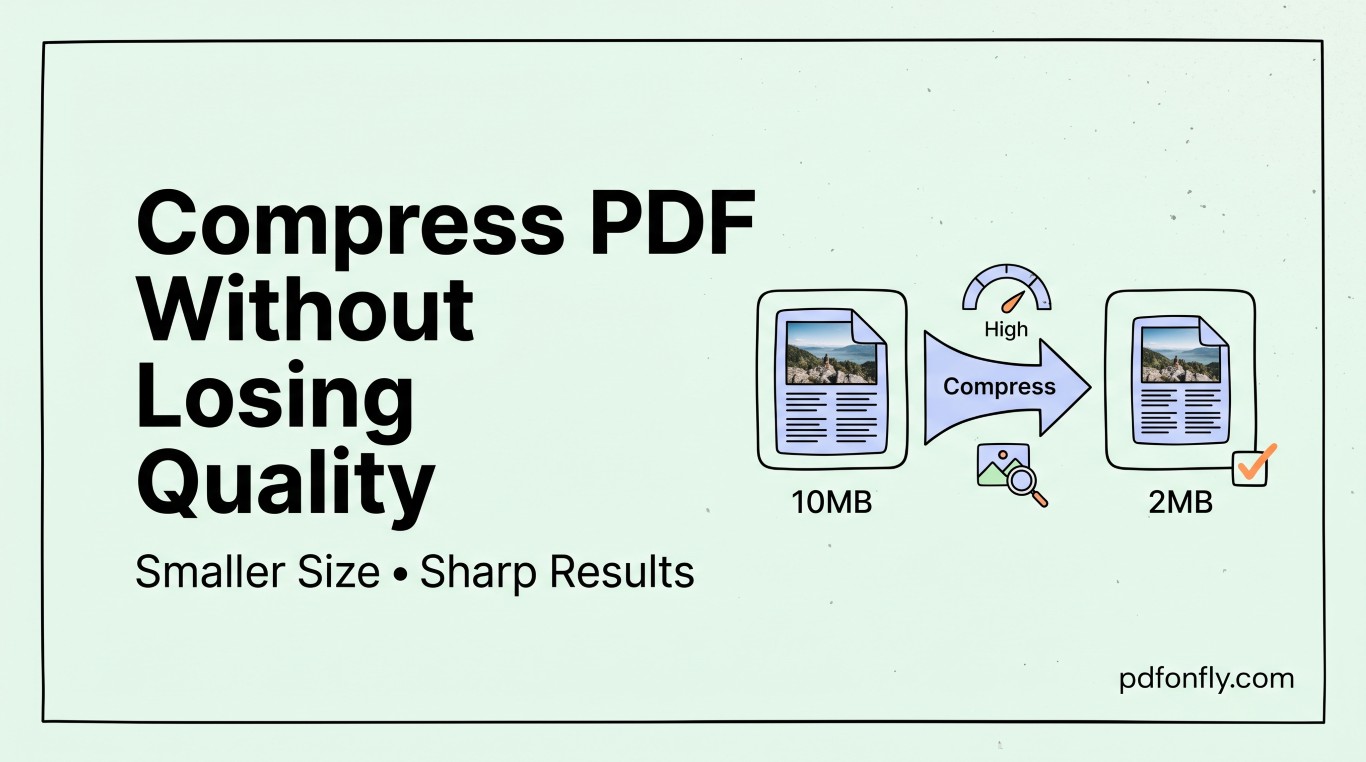
A 40MB PDF is a familiar problem: your email provider rejects it, your upload form times out, or your website gets flagged for slow load times. The good news is that most PDFs can be compressed by 50-90% without any visible loss in quality, as long as you understand what's actually taking up the space.
Where the size comes from
Two things bloat a PDF far more than anything else:
- Uncompressed or high-resolution images — a scanned page saved at 600 DPI is massively overkill for on-screen reading.
- Embedded fonts and duplicate resources — especially in PDFs exported repeatedly from other tools.
Text itself is almost never the problem; it's the images riding along with it.
Compressing without wrecking quality
- Downsample images to screen resolution. 150-200 DPI is plenty for anything read on a monitor or phone. Print-quality documents can stay higher, but most PDFs never get printed.
- Re-compress with a smarter image codec. Switching lossless images to efficient JPEG compression at a high quality setting (85-95%) usually cuts size dramatically with no visible artifacts.
- Strip what you don't need. Unused embedded fonts, thumbnails, and metadata add up in documents that have been edited many times.
- Avoid re-saving repeatedly. Every export cycle through some tools re-embeds resources. Compress once, from the original.
The easy way
You don't need desktop software to do this. Compress PDF on PDFonFly handles image downsampling and re-compression automatically, entirely in your browser tab — no installs, no account required. Upload your file, choose a compression level, and download the smaller version in seconds.
FAQ
Will compressing a PDF make the text blurry? No — text in a PDF is vector data, not a picture, so compression settings that target images don't affect it. Text stays sharp regardless of compression level.
How much smaller can I expect my file to get? It depends heavily on the source. Scanned documents with high-DPI images often shrink by 80-90%. PDFs that are already mostly text see much smaller gains, since there's little to compress.