

How to Write in Hindi, Urdu or Arabic and Save It as a PDF
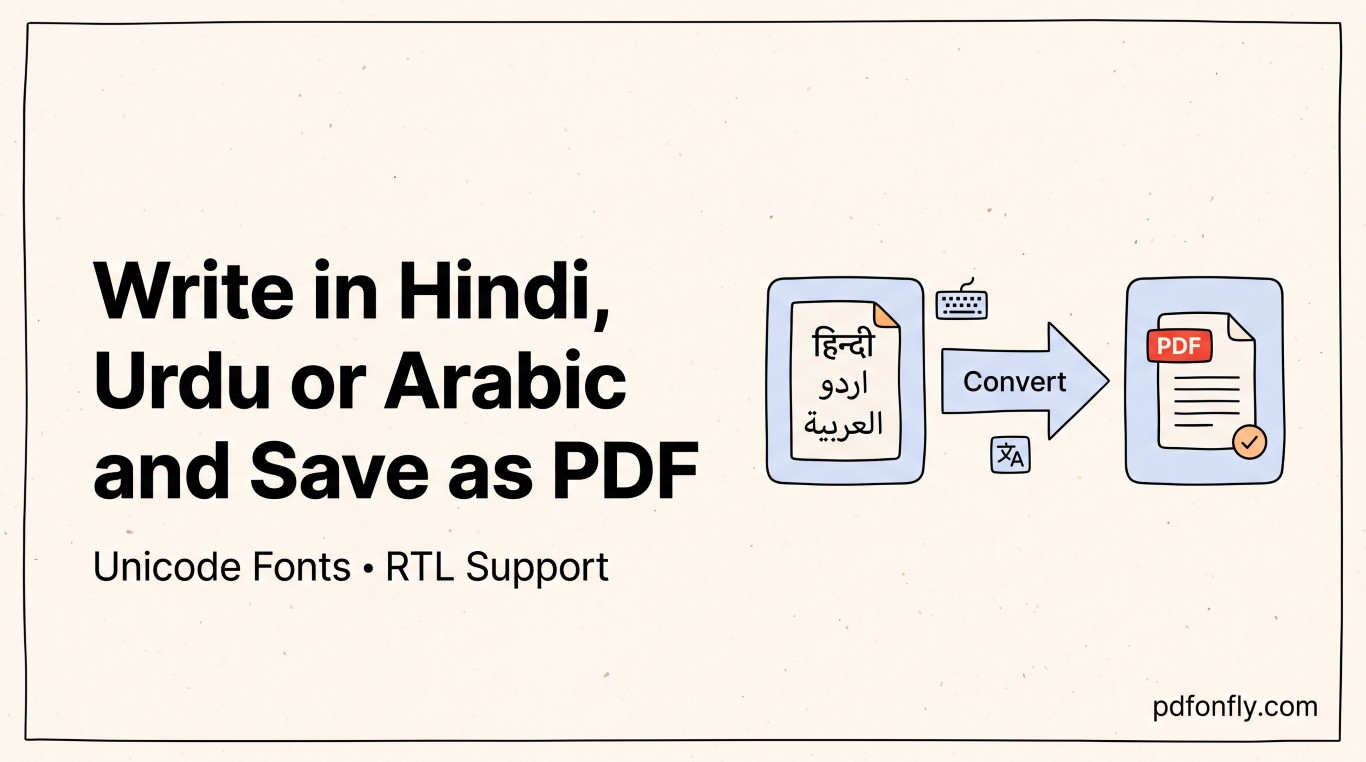
If you've ever typed a paragraph in Urdu or Arabic in one program, opened it in another, and watched the letters disconnect from each other or the whole line flip to the wrong side of the page, you already know this isn't really about PDFs — it's about how few tools were actually built with right-to-left, connected scripts in mind. Here's what's going wrong, and how to get a clean result without fighting your software.
Why this breaks more often than it should
English text is left-to-right and every letter renders the same way regardless of what's next to it. Urdu and Arabic are right-to-left, and their letters change shape depending on their position in a word — a letter at the start, middle, and end of a word can look like three different characters. Hindi (in Devanagari script) isn't right-to-left, but it uses conjunct consonants that have to render as combined glyphs, not separate letters side by side.
A lot of software — especially free tools built primarily for English — handles the character set fine but doesn't fully support the shaping and directionality rules underneath it. The result is text that's technically correct but visually broken: disconnected Arabic letters, a paragraph that starts on the wrong side, or Hindi conjuncts that render as two separate characters instead of one combined shape.
How to check if a tool actually supports this properly, before you commit to it
Type a short test sentence with a few different letter positions — start, middle, and end of a word — and a couple of conjunct or connected letters if you're working in Hindi or Arabic. Convert that test sentence to PDF and look closely: connected scripts should stay connected, right-to-left text should flow right-to-left including punctuation and numbers within the sentence, and nothing should visually "break" mid-word. If it looks right in a five-second test, it'll look right in the full document — this is a much faster check than discovering the problem after you've written three paragraphs.
Step-by-step: getting a clean result
- Type directly into a tool that explicitly supports your script, rather than typing in one program and pasting into another — pasting between programs with different text-rendering engines is one of the more common ways formatting breaks.
- Run the five-second test above first if you're using a tool for the first time.
- Watch out for mixed-language lines. A sentence that mixes English words or numbers into an Arabic or Urdu paragraph is the hardest case for any renderer — check those lines specifically, since they're the most likely to flip direction incorrectly.
- Convert to PDF and check the result at actual size, not just zoomed in — some rendering issues are only visible at normal reading size.
- If something looks wrong, don't try to fix it after conversion. Fix the source text and reconvert — PDF is the wrong layer to be manually adjusting letter shaping.
PDFonFly's text-to-pdf tool was built with Hindi, Urdu and Arabic specifically in mind rather than as an afterthought, so connected letters and right-to-left flow render the way they're supposed to without any workaround needed — including in lines that mix in English words or numbers.
What to do if you're converting from Word instead of typing fresh
Word documents already written in Hindi, Urdu or Arabic generally convert to PDF fine if they were typed correctly to begin with, because Word handles complex-script rendering internally before export. Where this breaks down is when a document was originally typed with a workaround — separate presentation-form characters instead of proper Unicode text, for instance, which was a common trick years ago and still shows up in older files. If a converted PDF looks wrong but the original Word document looks right, that's usually the source of the mismatch, and re-typing the affected section in Unicode (rather than trying to fix the PDF) is the more reliable path.
Frequently asked questions
Why does my Arabic or Urdu text look disconnected after converting to PDF? This almost always means the tool you used doesn't fully support complex-script shaping — it's treating each letter as a standalone character instead of rendering the connected form based on its position in the word. Switching to a tool built with right-to-left script support in mind resolves it.
Can I convert a document that mixes English and Urdu or Arabic in the same PDF? Yes, but mixed-direction lines are the hardest case for any renderer to get right — test a short mixed-language sentence first before converting a full document.
Does this affect Hindi the same way it affects Urdu and Arabic? Differently — Hindi (Devanagari) isn't right-to-left, but it does need correct handling of conjunct consonants, which is a separate rendering requirement that trips up some of the same tools.
Is there a free tool that handles all three languages properly? PDFonFly's text-to-pdf converter supports Hindi, Urdu, Arabic and other scripts directly in the browser, with no software to install and no sign-up required.