

iLovePDF Alternative: PDFonFly vs iLovePDF in 2026
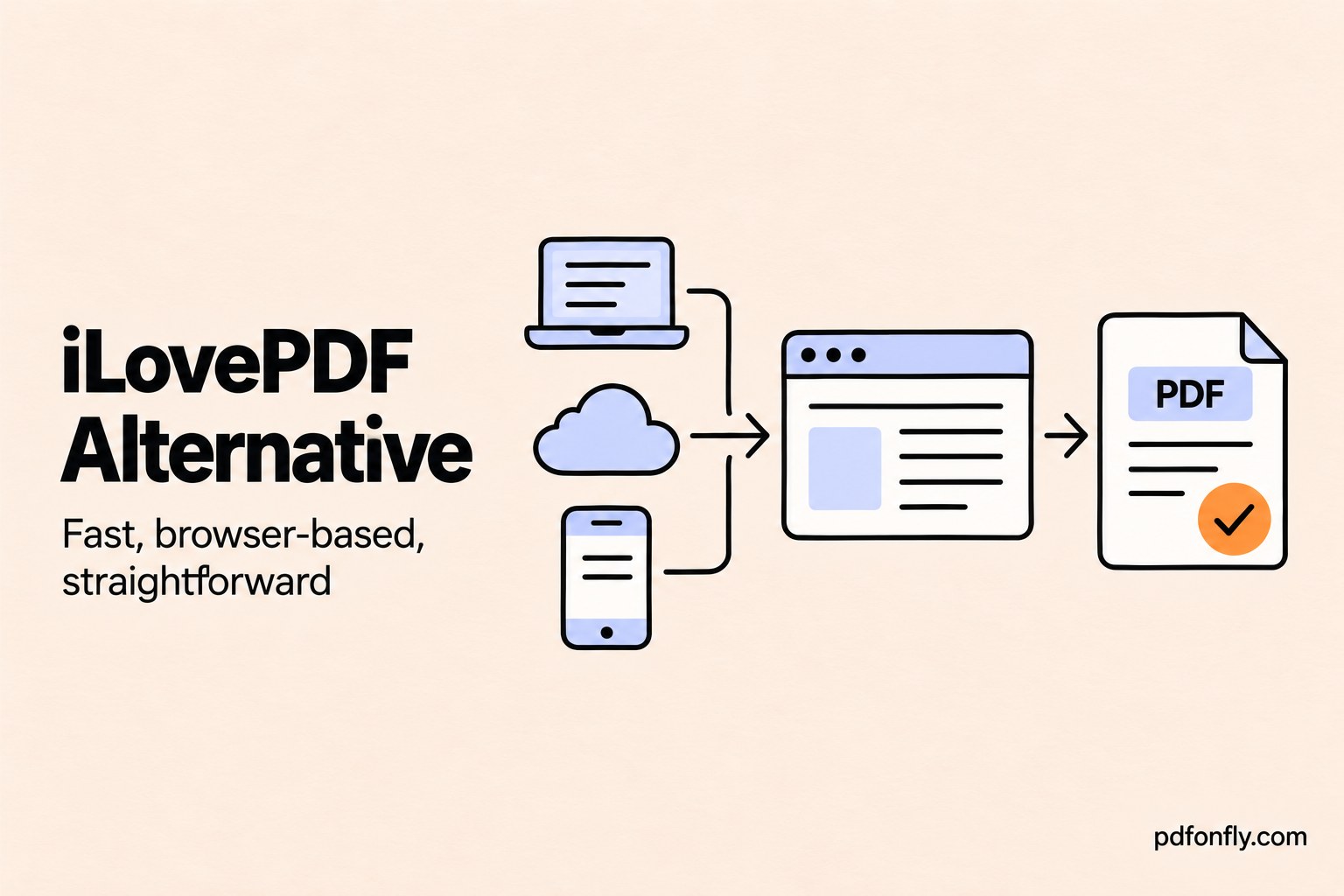
iLovePDF has earned a large audience by making common PDF jobs quick and approachable. Its tool collection is extensive, its interface is familiar, and its paid plan connects web, mobile, and desktop use. It is a strong choice for people who work with PDFs regularly.
PDFonFly takes a narrower approach. It focuses on browser-based conversion and page operations, offers 10 free daily conversions without signup, and includes dedicated multilingual and Markdown text-to-PDF tools. If you do not need iLovePDF's apps, digital signatures, AI credits, and workflow features, that simpler model may suit you better.
Short answer: use PDFonFly for quick no-account tasks and multilingual text creation. Use iLovePDF when you want a larger tool catalog, desktop and mobile access, cloud integrations, digital signatures, or repeatable workflows.
PDFonFly vs iLovePDF at a glance
| Feature | PDFonFly | iLovePDF |
|---|---|---|
| Free plan | 10 daily web conversions without signup | Essential tools with limited document processing |
| Account needed for initial free use | No | Many basic tools can be tried without an account |
| Free maximum file size | 10 MB | Limits vary by tool and account level |
| Core operations | Conversion, compression, merge, split, organize, protect, watermark, crop, page numbers, PDF/A | Broad conversion, organization, editing, signing, OCR and AI catalog |
| Multilingual text creation | Dedicated Arabic, Urdu, Hindi and Bengali pages | General PDF conversion rather than focused script-specific creation |
| Markdown-to-PDF | Dedicated editor and file import | Not a central dedicated workflow |
| Mobile and desktop apps | Browser-based | Web, mobile and desktop access in Premium |
| Cloud storage | Upload from device | Google Drive and Dropbox integrations on supported tools |
| Workflows and signatures | Not the focus | Premium workflows and digital signatures |
| File deletion | PDFonFly states files are deleted after one hour | iLovePDF states files are deleted within two hours unless retained through account features |
Information was checked on October 3, 2026. Product limits and subscription terms can change; verify the current pricing and privacy pages before relying on a specific limit.
What iLovePDF does well
iLovePDF is designed as an all-purpose document toolkit. Its published catalog covers merging, splitting, compression, Office conversion, image conversion, OCR, page numbers, watermarks, rotation, editing, signatures, redaction, PDF/A, repair, and several AI-assisted tasks.
The product also extends beyond the browser. Premium includes access across web, mobile, and desktop, along with workflows, digital signatures, an ad-free interface, and priority support. That makes iLovePDF attractive for someone who wants the same account and familiar interface on multiple devices.
Its workflow is usually easy to understand: choose a tool, upload or import a file, select the operation, and download or save the result. Google Drive and Dropbox integration can be convenient when source documents already live in cloud storage.
Why consider an iLovePDF alternative?
iLovePDF's Basic plan is free, but the company describes it as access to essential tools with limited document processing. Premium unlocks all tools, unlimited processing, cross-platform access, workflows, signatures, priority support, regional processing, and AI credits.
That structure works well for frequent users who value the full ecosystem. It can be more than necessary for someone handling an occasional file who does not want to create an account or compare feature gates before downloading a result.
PDFonFly makes its free boundary easy to understand: 10 daily conversions without an account, files up to 10 MB, all standard web tools, and no signup. It also publishes Plus and Pro limits directly on its pricing page. The service is still freemium rather than unlimited, but the no-account allowance covers many small, everyday jobs.
Where PDFonFly stands out
Text-to-PDF is treated as a real writing workflow
Many PDF suites focus on files that already exist. PDFonFly also supports creating a document from typed or pasted text. Its text-to-PDF editor includes page size, orientation, margins, text direction, font selection, and formatted content.
Separate pages provide starting settings and guidance for Arabic, Urdu, Hindi, and Bengali. These workflows are useful when Unicode shaping, right-to-left direction, matras, or conjuncts matter.
The Markdown-to-PDF tool also accepts pasted Markdown or an imported .md file, making it useful for AI output, technical notes, project documentation, and README-style content.
Direct no-account access
PDFonFly's free plan does not require registration. That reduces the number of steps between selecting a tool and receiving a result. The tradeoff is a published allowance of 10 tasks per day without an account and a 10 MB maximum file size.
For larger documents or frequent use, PDFonFly Plus raises the allowance to 100 daily conversions and 50 MB files. Pro offers unlimited web conversions and 100 MB files. These plans are intended for a different usage level than the basic no-account experience.
Common tools are easy to reach
PDFonFly includes direct pages for Merge PDF, Split PDF, Compress PDF, Organize PDF, Protect PDF, Word to PDF, JPG to PDF, and other everyday tasks.
It does not try to duplicate iLovePDF's entire catalog. Instead, it covers the operations most likely to be needed for a quick conversion or page fix.
Tool coverage: where the services overlap
Both services support:
- PDF merging and splitting.
- PDF compression.
- Word, Excel, and PowerPoint conversion to PDF.
- Image-to-PDF and PDF-to-image conversion.
- Page rotation, deletion, reordering, and cropping.
- Page numbers and watermarks.
- Password protection and unlocking.
- PDF-to-PDF/A conversion.
- Browser access across modern desktop and mobile devices.
This overlap means PDFonFly can replace iLovePDF for many isolated tasks. It does not mean the products are identical.
Where iLovePDF has the advantage
iLovePDF is the stronger option when you need:
- Native mobile and desktop applications.
- Digital signatures and signature requests.
- Direct PDF editing, annotation, redaction, or form filling.
- OCR and PDF-to-Office conversion as a central workflow.
- AI summarization, chat, translation, or question generation.
- Saved workflows for repeated multi-step tasks.
- Google Drive or Dropbox integration.
- Business features such as SSO or a dedicated account manager.
These are meaningful differences. PDFonFly should be viewed as an alternative for overlapping tasks, not a feature-for-feature clone.
Pricing and free-use model
PDFonFly Basic is free without signup and allows 10 daily conversions without an account, with files up to 10 MB. A free account raises that to 30 conversions a day and 25 MB. Plus and Pro add larger files, higher or unlimited daily usage, an ad-free experience, support, and API allowances. Check PDFonFly pricing for current figures.
iLovePDF Basic provides essential tools with limited processing. Premium currently advertises all tools, unlimited document processing, web/mobile/desktop access, digital signatures, workflows, an ad-free experience, priority support, regional processing, and AI credits. Its Business plan adds enterprise-oriented terms and administration. Consult iLovePDF pricing for current localized pricing.
Price alone should not decide the comparison. Someone who depends on signatures, OCR, and mobile scanning may get more value from iLovePDF Premium. Someone completing a few small conversions may not need to subscribe to either service.
Privacy and uploaded files
PDFonFly and iLovePDF use cloud processing for online file operations. Your document is uploaded over an encrypted connection, processed, and made available for download.
PDFonFly states that files are automatically deleted after one hour. iLovePDF's security documentation states that uploaded files are encrypted and automatically deleted within two hours, although signed-in features or user-controlled storage can create different retention behavior. Always check the current privacy documentation for the exact tool and account mode you are using.
Do not upload a document merely because a service is well known. Remove unnecessary personal data, use an approved offline workflow for restricted material, and test password-protected output before sharing it.
Choosing by task
One quick merge, compression, or conversion
PDFonFly is a good fit when the file is within the free limit and you want to work without registering. iLovePDF is equally approachable, but its broader ecosystem becomes more valuable if you plan to continue editing, saving to cloud storage, or using another connected tool.
Frequent work across phone and desktop
iLovePDF has the advantage because Premium connects web, desktop, and mobile access. PDFonFly works in mobile browsers but does not offer the same native application ecosystem.
Creating Arabic, Urdu, Hindi, or Bengali PDFs
PDFonFly is the more focused option. Its language pages explain direction, Unicode, fonts, mixed-script content, and final verification rather than simply accepting an uploaded Office document.
OCR and editable Office output
iLovePDF has broader tools for recognizing scans and converting PDFs back to editable Office formats. PDFonFly is better understood as a to-PDF converter and PDF utility suite.
Developer integration
PDFonFly's paid plans advertise monthly API requests, with a larger allowance and webhooks on Pro. Developers should compare endpoint coverage and documentation against their exact requirements before choosing a platform.
How to try PDFonFly without changing your workflow
There is no account migration. Keep iLovePDF for the features you rely on, and use PDFonFly for a single suitable job:
- Choose a tool from PDFonFly's tool directory.
- Upload a copy of the source file.
- Select the available settings.
- Process and download the result.
- Compare the output with the source before deleting the original.
For Word, Excel, and PowerPoint conversions, inspect fonts, tables, page breaks, and headers. For image conversion, verify page order and orientation. For compression, zoom in on small text and diagrams before sharing.
Frequently asked questions
Is PDFonFly a free iLovePDF alternative?
Yes, for overlapping tasks. PDFonFly provides 10 daily conversions without an account, with files up to 10 MB without signup. It is not an unlimited service, and it does not reproduce every iLovePDF feature.
Can PDFonFly merge and split PDFs?
Yes. PDFonFly provides dedicated merge, split, organize, rotate, crop, and delete-page tools.
Does PDFonFly have mobile or desktop apps?
PDFonFly is browser-based and works on modern mobile and desktop browsers. iLovePDF offers a more extensive native app ecosystem.
Which service is better for signing PDFs?
iLovePDF is the stronger choice because digital signatures and related workflows are part of its published product offering. PDFonFly focuses on conversion, organization, compression, and protection.
Which service deletes files faster?
PDFonFly states that it deletes files after one hour. iLovePDF states that online files are normally deleted within two hours. Account storage or sharing features can affect retention, so verify the current policy before processing sensitive files.
Bottom line
iLovePDF is a broad, mature suite with strong apps, workflows, signatures, OCR, cloud connections, and AI features. PDFonFly is a focused alternative for users who need common PDF operations without signup, particularly multilingual or Markdown text-to-PDF creation.
Start with PDFonFly's free tools when the job is small and specific. Keep iLovePDF in the toolbox when its wider document ecosystem solves a problem PDFonFly does not.
Comparing the wider market? Read our Smallpdf alternative, PDF Candy alternative, PDF24 alternative, and Sejda alternative guides, or start with the free PDF tools comparison.