

Merge vs. Split PDF: When to Use Which
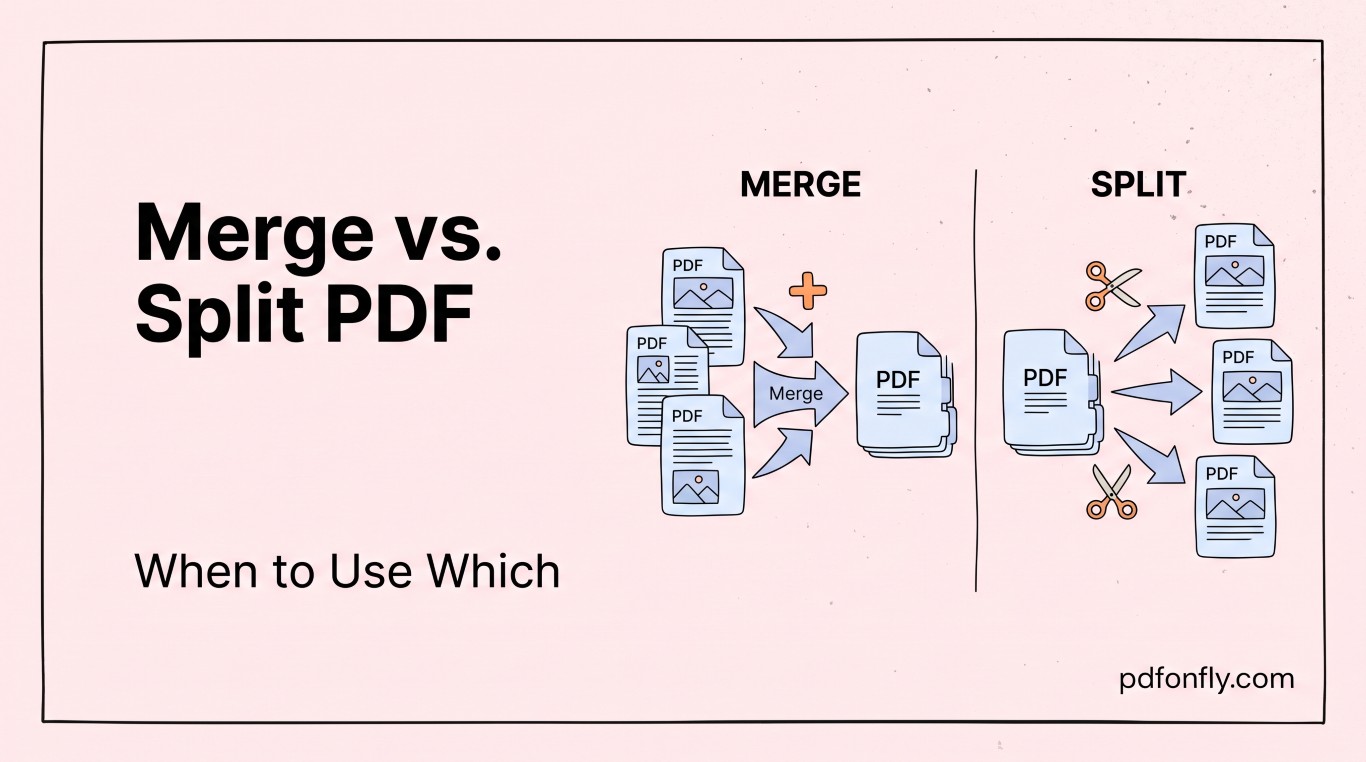
"Merge" and "split" sound like they belong together, but they solve opposite problems, and picking the wrong one wastes time. Here's a quick guide to when each makes sense.
When to merge
Merging combines multiple separate PDF files into a single document, in whatever order you choose. Reach for Merge PDF when:
- You're assembling a report from several source documents (cover page, body, appendix) that were created separately.
- You've scanned a multi-page document one page at a time and ended up with several single-page PDFs.
- You need to submit one file where an application or portal only accepts a single upload, but your content is spread across multiple documents.
- You're combining invoices, receipts, or statements into one file for record-keeping.
The result is one PDF, with all pages in the order you specify.
When to split
Splitting does the reverse: it takes one PDF and breaks it into multiple smaller files, either by page range or by extracting individual pages. Reach for Split PDF when:
- You have one large document but only need to share a specific section of it (e.g., just chapter 3 of a report).
- A scanned batch came in as one PDF but actually contains several unrelated documents that need to be separated.
- You need to stay under a file-size limit and breaking a large PDF into parts is the simplest fix.
- You're extracting a signature page, ID document, or single form from a longer PDF.
A quick way to decide
Ask: "Do I currently have multiple files that should be one, or one file that should be multiple?" That answer points directly at merge or split — there's no overlap between the two use cases, which makes the choice easy once the starting point is clear.
Both tools run entirely in your browser on PDFonFly — no file size games, no signup, and your documents aren't stored after you're done.