

Is It Safe to Convert Your Documents Online? What Really Happens
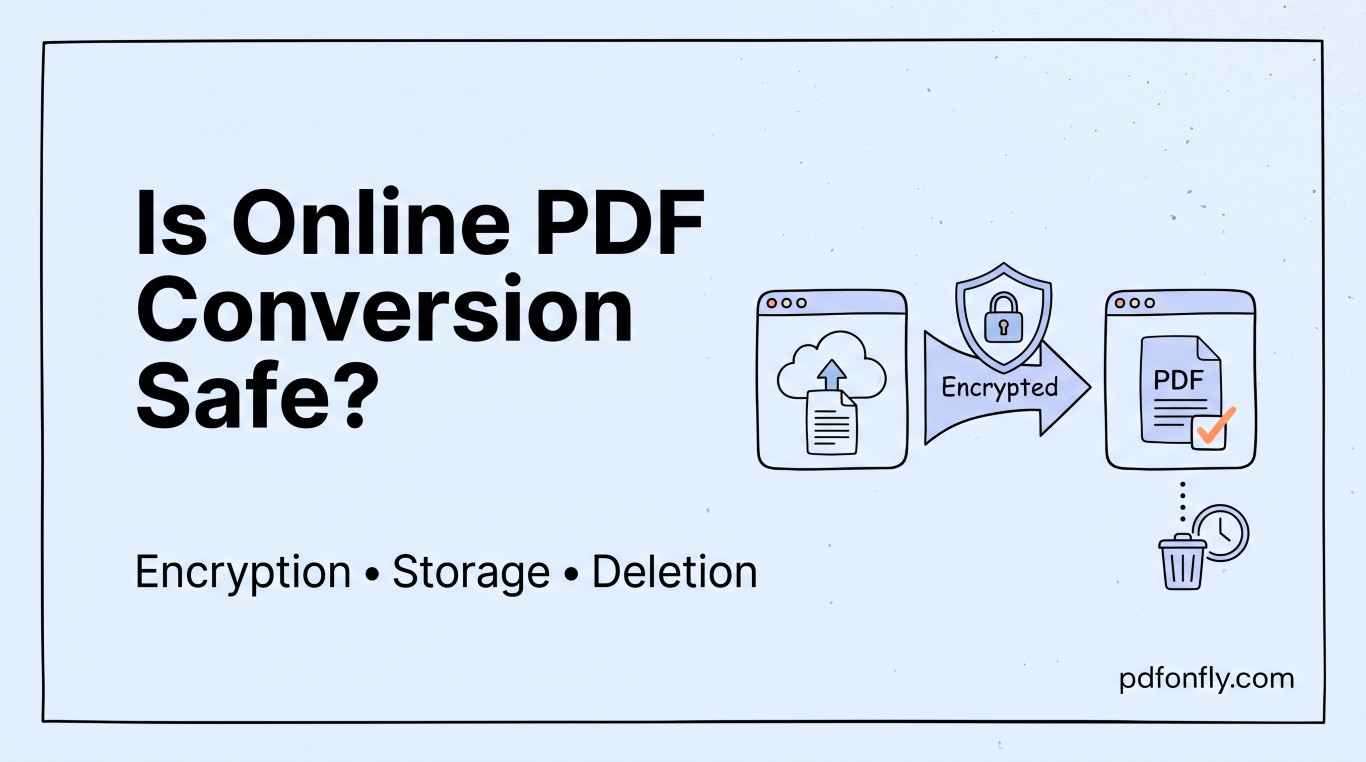
At some point you're going to need to convert a payslip, a signed contract, or a scanned ID into a PDF, and you're going to pause for half a second before uploading it to a website you've never used before. That pause is reasonable. Here's what's actually happening on the other end when you do, and what's worth checking before you trust a tool with something sensitive.
What happens to your file, step by step
When you upload a document to a legitimate PDF tool, it travels over an encrypted connection (this is the "https" and padlock icon in your browser) to a server, gets processed — converted, compressed, merged, whatever you asked for — and the result gets sent back to you. Somewhere in that process, your original file typically sits in temporary storage for long enough to be processed and downloaded, and a well-run service deletes it automatically afterward, often within an hour.
That's the ideal version. The gap between tools isn't usually in the conversion itself — most of them do that part correctly — it's in what happens before and after: how long files sit around, whether they're used for anything besides the task you asked for, and how clearly that's explained.
The questions actually worth asking
Does the connection use HTTPS? Check for the padlock in your browser's address bar before uploading anything. If a tool doesn't have this, stop — nothing else on this list matters if the upload itself isn't encrypted.
Does the tool say what happens to your file afterward? A privacy policy or an on-page note about automatic deletion is a good sign — not because the wording itself protects you, but because a service that bothers to explain its handling of your files is generally also a service that has actually thought about it.
Is your file used to train anything? This has become a more relevant question in the last couple of years than it used to be. Some services reserve broad rights to use uploaded content; others explicitly rule it out. If this matters to you — and for anything containing personal or client information, it should — it's worth a specific check rather than an assumption either way.
Does it ask for more than it needs? A tool that wants your email address just to merge two PDFs is collecting more than the task requires. That's not necessarily dangerous, but it's a fair signal about how the service treats your data more broadly.
What this means in practice
For genuinely sensitive material — unredacted financial records, medical documents, anything with other people's personal information in it — the safest option is still a tool you can run offline, or one from a company whose data practices you've specifically checked rather than assumed. For everyday documents — a resume, a signed lease, a scanned receipt, a work presentation — a reputable online tool with HTTPS, automatic file deletion, and a clear privacy policy is a reasonable and common choice, and it's what most professional workflows already run on.
PDFonFly's tools process files over an encrypted connection and delete them automatically after a set window rather than holding onto them indefinitely — worth knowing before you upload anything you'd rather not sit on a server longer than necessary.
A quick before-you-upload checklist
- Padlock icon / HTTPS in the address bar
- A stated file-deletion policy, ideally measured in minutes or hours rather than left unstated
- No requirement to create an account for a simple one-off task
- A privacy policy that's specific about what your file is and isn't used for
None of this requires becoming a security expert — it's closer to checking that a lock is actually engaged before you walk away from a door. Thirty seconds of looking is usually enough to tell a careful service from a careless one.
Frequently asked questions
Do online PDF tools store my files permanently? Reputable ones don't — they process the file and delete it after a short window, often measured in minutes to an hour. Always check a tool's privacy policy if you're uploading anything sensitive and it isn't stated clearly on the page itself.
Is it safe to password-protect a PDF using an online tool? Yes, provided the connection is encrypted (HTTPS) — the password is applied during processing and the file is deleted afterward the same way any other converted file would be. See our password protect tool for an example of how that's typically presented.
Should I ever upload something like a passport or ID to one of these tools? Only to a service whose data handling you've specifically checked, not assumed. If you're not certain, an offline conversion tool is the safer default for identity documents.
Does GDPR apply to files I upload to a PDF converter? If the service processes personal data and either you or the company operates in the EU/UK, GDPR principles around data minimization, storage limits and lawful processing generally apply — a service's privacy policy should reflect that, and it's reasonable to expect one to exist if you're based in Europe.