

Searchable PDF vs Image PDF: How to Test Your Document
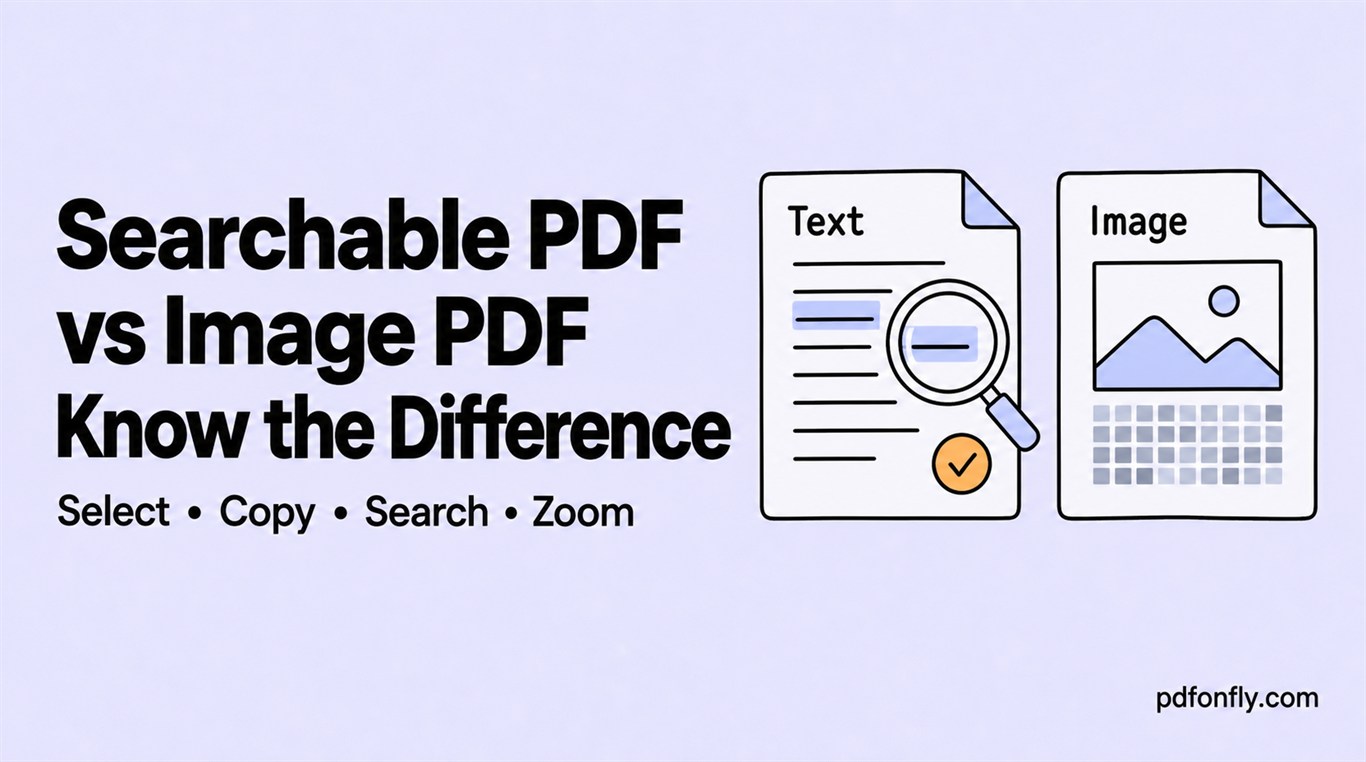
Two PDFs can look identical on screen while behaving very differently. A searchable PDF contains text objects. An image PDF contains pixels—usually a scan or screenshot—unless optical character recognition has added a text layer.
Why the distinction matters
Searchable text can be found in a PDF viewer, copied into another application, selected by assistive technology, and indexed by document systems. Image-only text is harder to reuse and often produces larger files at readable resolution.
For Arabic, Urdu, Hindi, and Bengali, the test also reveals whether the converter preserved the original Unicode characters rather than turning the page into a picture.
Test 1: select one word
Drag across a single word. A text PDF normally selects individual characters or a coherent line. An image-only page selects the whole image or nothing at all.
Selection alone is not conclusive because a scan with an OCR layer may contain invisible text. Continue with the next test.
Test 2: copy and paste into plain text
Copy a sentence and paste it into a plain-text field. Check the characters, word order, and punctuation. This is especially important for RTL and complex scripts: a sentence can look correct but copy in the wrong logical order.
Test 3: search for a distinctive phrase
Use the PDF viewer's Find command and search for a word that appears only once. A correct text layer should locate it. Try native-script text as well as an English or numeric phrase.
Test 4: zoom in closely
Text objects remain sharp as you zoom. A screenshot eventually reveals pixels or compression artifacts. This is a useful visual clue, although a high-resolution scan may still look sharp at moderate zoom.
What to do when the PDF is image-only
If you still have the source text, recreate the PDF from that source instead of using OCR. Start with the text-to-PDF converter and run the copy-and-search test on the result. If the only source is a scan, use OCR and manually review names, numbers, punctuation, and non-Latin scripts.
No OCR result should be trusted without sampling. Visually similar characters and complex shaping can produce confident but incorrect text.