

How to Type Urdu Online and Save a PDF Without InPage
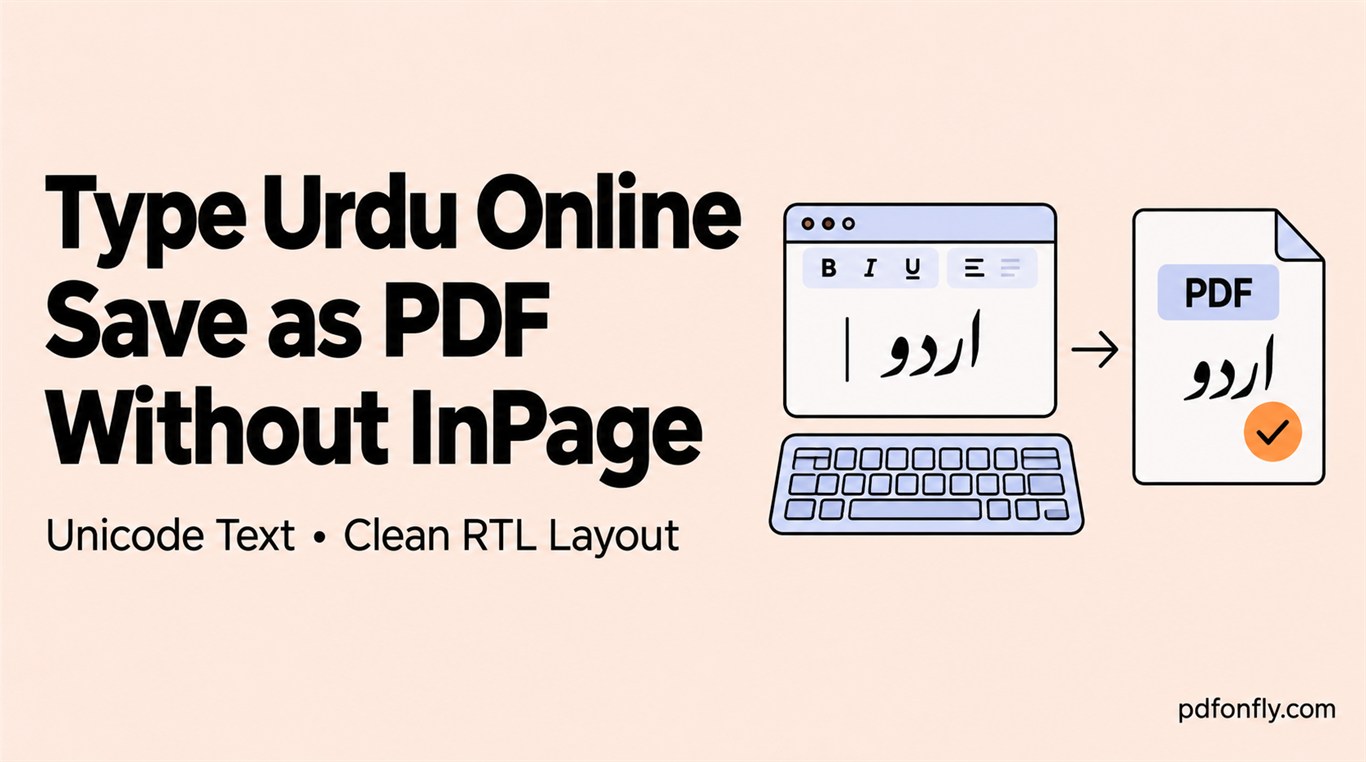
You do not need an InPage file to create a simple Urdu PDF. The important requirement is Unicode Urdu: each character must carry its standard text value so browsers, fonts, search tools, and PDF viewers interpret it consistently.
Unicode Urdu and legacy InPage text are different
Modern phone keyboards, web keyboards, and current office applications generally produce Unicode. Some older InPage documents use a legacy font encoding. Copying that legacy text into a browser may produce unrelated Latin characters or symbols because the original font was doing the visual substitution.
If pasted text is already broken, convert the source to Unicode first. The PDF converter should not guess which legacy mapping was used.
Step-by-step Urdu workflow
- Open the Urdu text-to-PDF tool.
- Load the Urdu test sample. Confirm that the editor starts in RTL mode.
- Replace the sample with Unicode Urdu from your keyboard, notes app, or document.
- Keep longer English passages in separate LTR paragraphs.
- Create the PDF and check joined letters, punctuation, dates, and phone numbers.
- Copy one Urdu sentence from the PDF and search for it in the viewer.
Nastaliq versus Naskh
Nastaliq is strongly associated with Urdu publishing, but its diagonal flow and vertical positioning make line layout more complex. A Naskh-style font often produces more predictable line spacing in web-based workflows. Neither category is automatically better: the right choice is the font that renders your actual test sentence correctly and remains searchable.
Watch for clipped marks above or below a line, unusually large gaps, and changed page breaks. These are font-metric problems rather than encoding problems.
Mixed Urdu and English
Email addresses, dates, currency, product names, and English abbreviations are common trouble spots. Bidirectional layout may put punctuation somewhere surprising even when every letter is correct. Keep the Urdu paragraph RTL, use an LTR paragraph for a full English sentence, and inspect mixed lines individually.
Before you share the PDF
Do not stop at “it looks fine in the preview.” Open the downloaded file in a normal PDF viewer, zoom to 100%, copy a phrase, and run a search. That confirms the PDF contains usable Urdu text rather than a flattened image.