

PDF vs PDF/A: Which Should You Use for Archiving?
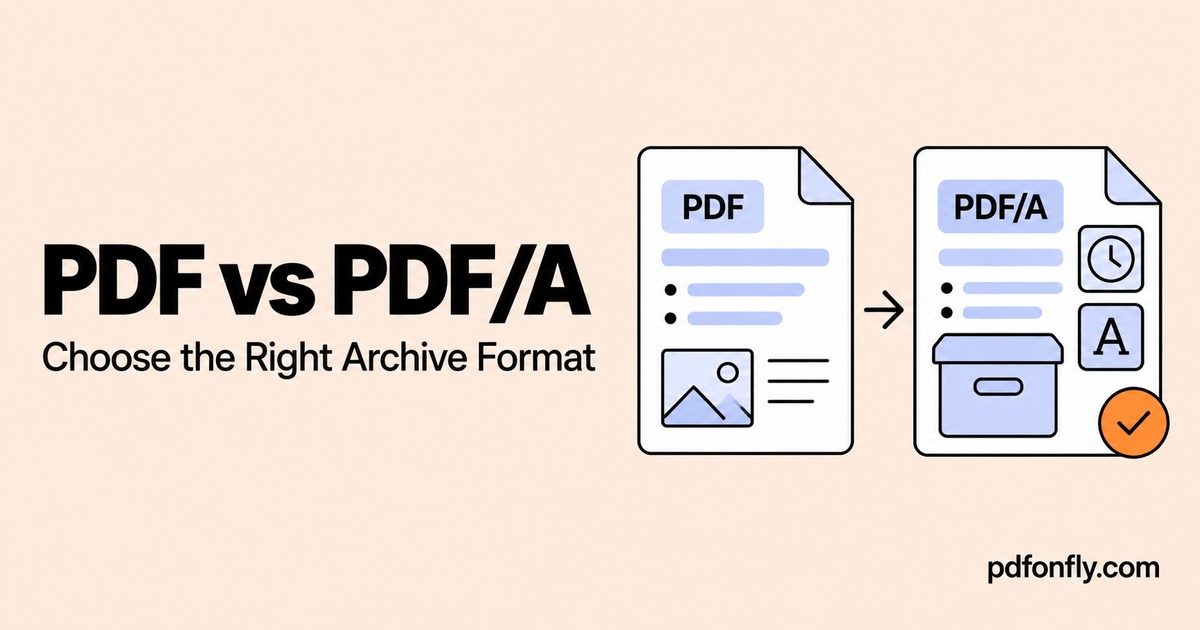
An ordinary PDF is often enough for sharing a report. An archive may ask for something more specific: PDF/A, sometimes with a profile such as PDF/A-1b or PDF/A-2b.
The “A” refers to archiving. PDF/A places requirements on how the file is built so that it is better suited to long-term preservation. It does not turn a poor scan into a good one, and selecting a conversion option is not the same as proving that the output meets a particular profile.
Start with the recipient's requirement
If a repository or organization supplies a submission specification, use that specification. Ask which PDF/A profile it accepts and whether it requires a validation report. A newer profile is not automatically the correct choice for that destination.
For a document you simply want someone to read today, ordinary PDF may be sufficient. Avoid adding an archival conversion step without knowing what it is supposed to achieve.
| Need | Useful starting point |
|---|---|
| Send a readable copy of a report | Ordinary PDF |
| Deposit into a repository requiring PDF/A | Its named PDF/A profile |
| Keep an editable working version | Retain the source document as well |
| Require a password when opening the distributed file | A protected ordinary PDF; PDF/A disallows file encryption |
| Prove a file meets an archival profile | Validate it against that profile |
The Library of Congress description of PDF/A explains its preservation purpose and restrictions, including the prohibition on encryption.
What changes with PDF/A?
PDF/A is designed to reduce dependencies that could make a file difficult to reproduce later. For example, fonts used for rendering need to be available within the file rather than depending on a font installation on a future computer.
Profiles differ in the PDF features and conformance requirements they support. A document can therefore need changes during conversion. Keep the source and inspect the result, especially around unusual fonts, diagrams, and transparency effects.
PDF/A does not store the file for you. You still need appropriate storage, backups, filenames, and a way to locate the record later.
Convert a copy to the required profile
- Confirm the destination's accepted profile.
- Keep the original PDF and make a separate conversion copy.
- Open PDF to PDF/A and upload the file.
- Choose the required profile from the available list. The current controls offer PDF/A-1b, PDF/A-2b, and PDF/A-2u.
- Select Convert to PDF/A and download the result.
- Open the converted file and compare it with the original.
If the required profile is not offered, use a converter that explicitly supports it. Do not substitute another profile just because the name looks similar.
For an encrypted source, you may need an unencrypted copy that you are authorized to process. Keep the archival copy and a password-protected distribution copy separate when both are needed.
Validate before calling it compliant
A filename containing “PDF-A,” a PDF/A metadata declaration, or a successful download is not a validation result. Use a validator and select the profile required by the destination.
veraPDF provides PDF/A validation tooling and documentation. Review the report for failed rules instead of assuming that a file that opens successfully must pass.
If validation fails, keep the report and return to the source or conversion settings. Repeatedly renaming or re-saving the same file does not explain the failure. After a correction, validate the corrected copy again.
Check the content as well as the file structure
Validation answers questions about conformance. You still need to check whether the archive contains the right material.
Compare the page count, first and final pages, chart labels, and important symbols. If the document should be searchable, try selecting and searching a distinctive sentence. An image-only scan needs a separate text-recognition workflow if searchable text is required; our searchable PDF guide shows practical checks.
Retain the source, the accepted PDF/A copy, and any required validation record together under clear names. That is more useful than keeping several files all called final.pdf.
Common questions
Is PDF/A always a smaller file?
No. Embedding resources and changing file construction can affect size. Use the destination's requirements and a validation result to judge suitability, rather than file size alone.
Does PDF/A guarantee accessibility?
No. Archival conformance and accessibility are different goals. If accessibility is required, assess reading order, structure, alternative text, and the applicable accessibility requirements separately.
Can I password-protect the archival copy afterward?
File encryption is incompatible with PDF/A. Keep a separate distribution copy if you need an opening password; our PDF protection guide explains that workflow.